How to Convert Between Binary, Octal, Decimal, and Hexadecimal
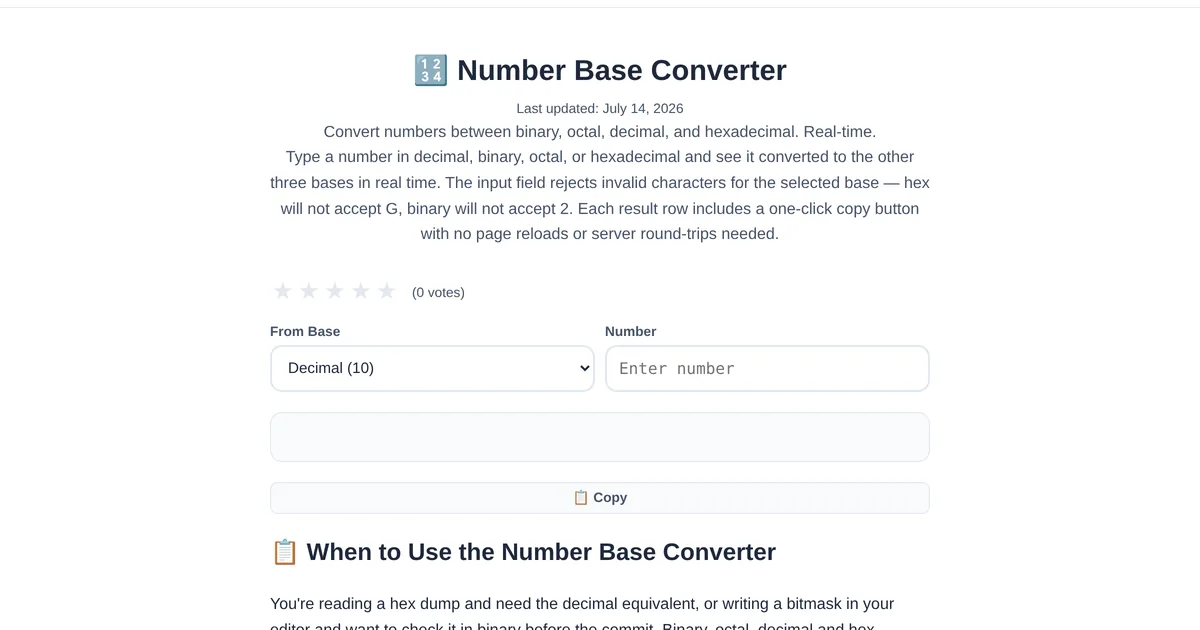
Computers think in binary. Humans think in decimal. Programmers translate between them — plus octal and hexadecimal — constantly. A number base converter makes these translations instant, which means less time doing mental math and more time writing code.
Why four number bases?
Binary (base 2): The fundamental language of computers — bits, flags, and bitmasks. Octal (base 8): Used in Unix file permissions (chmod 755) and legacy systems. Decimal (base 10): What humans use for counting and math. Hexadecimal (base 16): Compact binary representation — two hex digits equal one byte, used for color codes, memory addresses, and hash digests.
How the converter works
The ToolStand Number Base Converter updates all four representations in real time as you type. Enter "255" in decimal and instantly see "ff" in hex, "11111111" in binary, and "377" in octal. Change any field and all others update — no clicking between modes, just continuous conversion.
Practical applications
Color codes: #FF5733 means red=255, green=87, blue=51 in decimal. The converter bridges the hex and decimal representations. Bit flags: A permission set of 0b10110011 in binary is 0xB3 in hex and 179 in decimal — the converter shows all three. Memory addresses: Debugging a segmentation fault at address 0x7fff5fbff8a0? Convert it to see where it falls in the address space.
Explore the full collection of free tools at toolstand.io. Free, forever. No sign-up. No download. Just tools that work.