How to Encrypt and Decrypt Text with AES-256-GCM
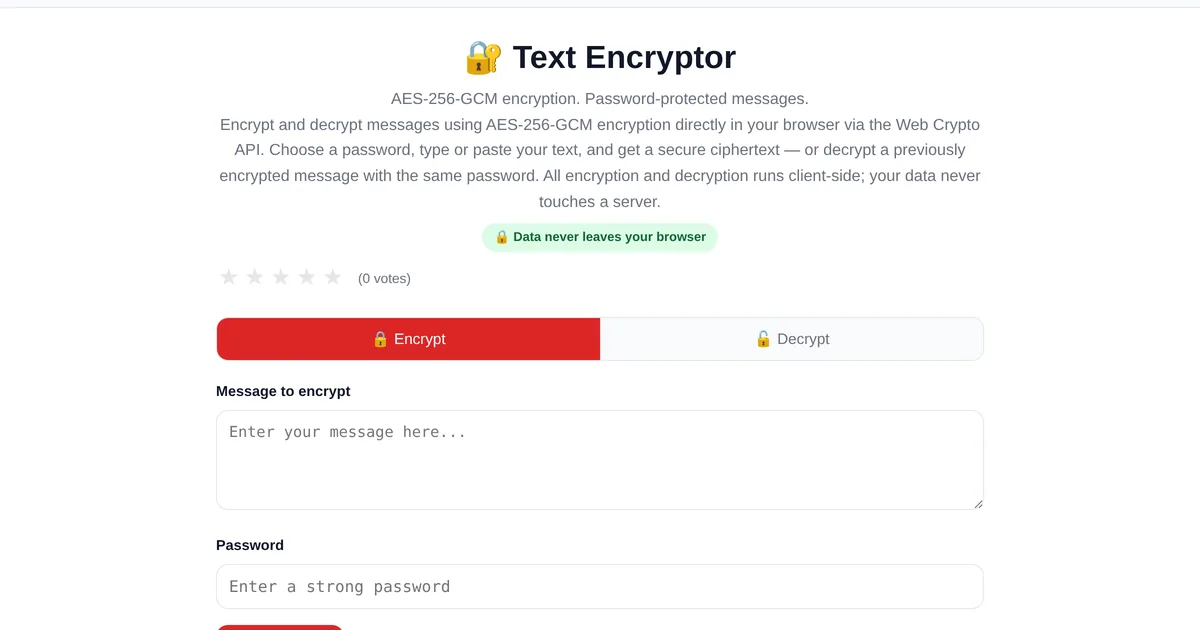
Sending sensitive information over email or messaging apps means trusting the platform with your plaintext. Client-side encryption solves this: you encrypt the message in your browser, send the scrambled ciphertext, and only the recipient with the password can decrypt it. The platform never sees the original message.
How AES-256-GCM encryption works
The ToolStand Text Encryptor and Decryptor uses AES-256-GCM — the Advanced Encryption Standard with a 256-bit key in Galois/Counter Mode. GCM provides both confidentiality (the message cannot be read) and integrity (the message cannot be modified without detection). The encryption key is derived from your password using PBKDF2 with a random salt, and each encryption uses a unique random initialization vector (IV).
Step by step: encrypting a message
Enter your message. Type or paste the text you want to protect. Set a password. Choose a strong password — this is the only way to decrypt the message. Share it with the recipient through a different channel than the encrypted message. Encrypt. The tool outputs the ciphertext as a Base64 string that looks like random characters. Share the ciphertext. Send it through email, messaging, or any insecure channel — without the password, it is unreadable.
Security guarantees and limitations
Everything happens in your browser using the Web Crypto API. The plaintext, password, and encryption key never leave your device. AES-256-GCM is considered secure against all known practical attacks. The weak link is the password — if you use "password123," the encryption is useless. Use a strong, unique password and share it securely.
Explore the full collection of free tools at toolstand.io. Free, forever. No sign-up. No download. Just tools that work.