How to Generate Barcodes Online: CODE128, EAN-13, and UPC
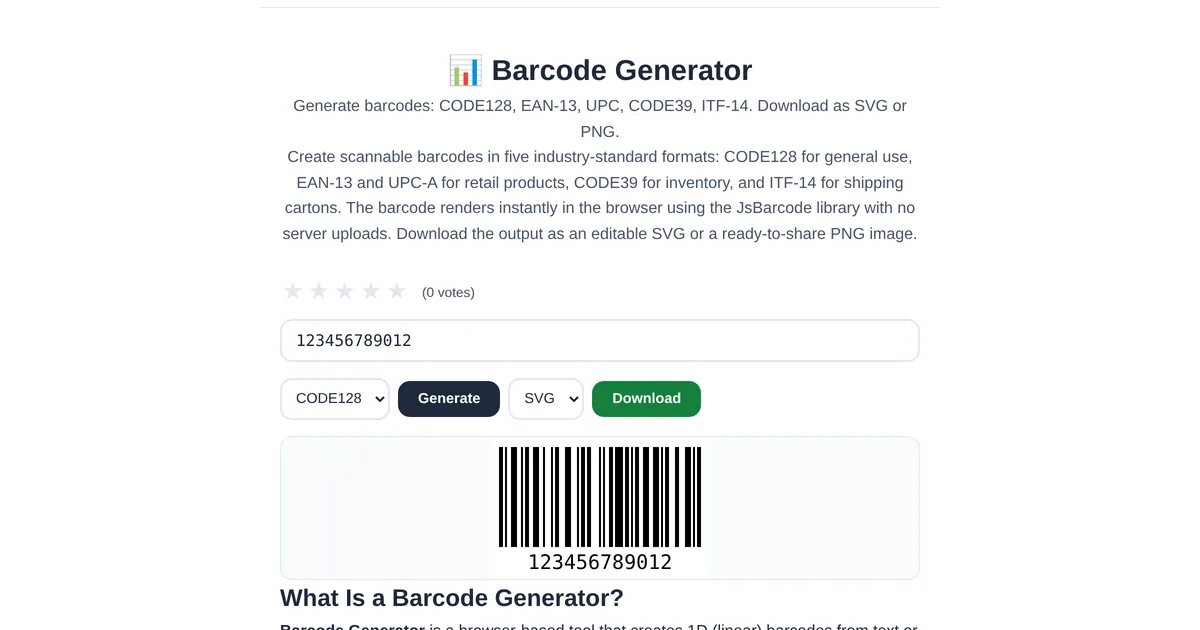
Barcodes are the invisible infrastructure of commerce. Every product on a store shelf has one. Every shipping label uses one. But generating them used to require specialized software or expensive online services. A free barcode generator creates professional barcodes in seconds, ready for print or digital use.
Which barcode format to use
The ToolStand Barcode Generator supports three major formats: CODE128 — general-purpose, supports all ASCII characters, ideal for inventory, shipping, and internal tracking. EAN-13 — the standard retail barcode in Europe and internationally, 13 digits. UPC-A — the standard retail barcode in North America, 12 digits. If you are selling products at retail, use EAN-13 or UPC-A. For internal use, CODE128 is more flexible.
Generating and downloading
Enter your data (numbers for EAN/UPC, any text for CODE128), select the format, and the generator renders the barcode instantly. Download as SVG for print-quality vector graphics or PNG for digital use. SVG barcodes scale to any size without pixelation — ideal for product packaging design. The generator validates input lengths for EAN and UPC formats to prevent generating invalid barcodes.
Testing your barcodes
After generating, test with a barcode scanner app on your phone or a dedicated scanner. The QR Code Generator includes a built-in scanner that also reads most 1D barcodes. Verify that the barcode scans correctly before sending it to print — a misprint wastes labels, packaging, and time.
Explore the full collection of free tools at toolstand.io. Free, forever. No sign-up. No download. Just tools that work.