How to Generate CSS Gradients: Linear, Radial, and Conic
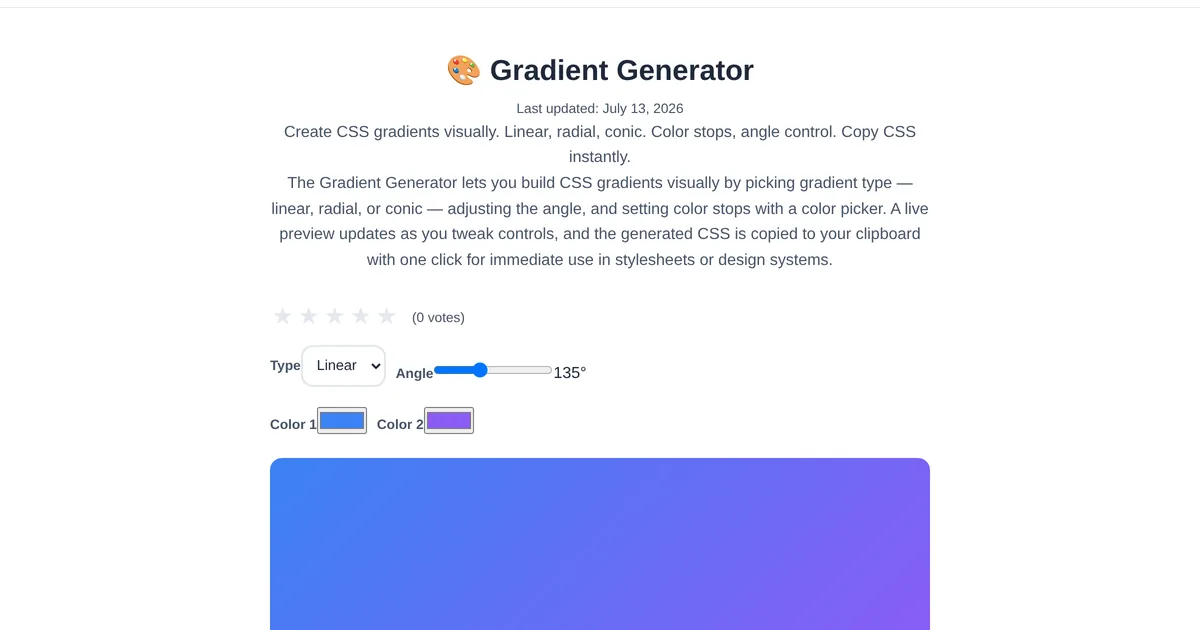
Gradients have graduated from cheesy web 2.0 relics to essential design elements. Modern CSS gradients power hero sections, button hover effects, card backgrounds, and brand accents. A visual gradient generator lets you design gradients by eye instead of tweaking angle values in code and refreshing the browser.
Three gradient types
The ToolStand CSS Gradient Generator supports: Linear gradients — color transitions along a straight line at any angle. Most common for backgrounds and overlays. Radial gradients — color transitions radiating from a center point. Great for spotlight effects and circular elements. Conic gradients — color transitions rotating around a center point like a color wheel. Perfect for pie charts and progress indicators.
Building a gradient
Add color stops by clicking on the gradient bar — each stop has a position (percentage) and a color. Drag stops to reposition them. Adjust the angle for linear gradients or the center position for radial gradients. The live preview updates in real time. When satisfied, copy the CSS — the generator outputs the full background property with vendor prefixes if needed.
Pairing with the color palette generator
Use the Color Palette Generator to create a harmonious set of colors, then bring them into the gradient generator as color stops. Monochromatic palettes produce subtle, professional gradients. Complementary palettes create bold, eye-catching transitions.
Explore the full collection of free tools at toolstand.io. Free, forever. No sign-up. No download. Just tools that work.