How to Preview Markdown in Your Browser Before Publishing
Markdown is the default writing format for developers: README files, GitHub issues, documentation, and static site generators all use it. But Markdown rendered in different environments can look different. A live previewer shows you exactly how your Markdown will render, catching formatting errors before you push to production.
How the Markdown Previewer works
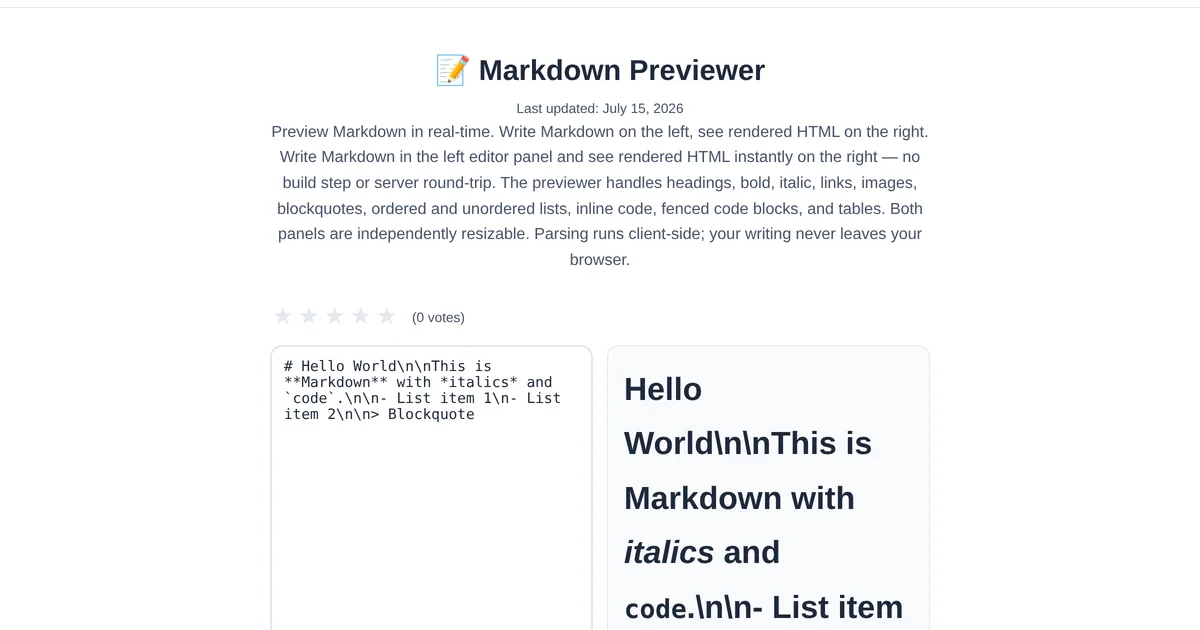
The ToolStand Markdown Previewer splits the screen: write Markdown on the left, see the rendered HTML on the right. Every keystroke updates the preview in real time. It supports GitHub Flavored Markdown including tables, task lists, strikethrough, autolinks, and fenced code blocks with syntax highlighting.
Markdown features to master
Headers: Use # for heading levels 1-6. Links: [text](url) for inline links. Images:  for embedded images. Code: Backticks for inline code, triple backticks with language name for code blocks. Tables: Pipe and dash syntax for structured tables. Task lists: - [ ] for unchecked, - [x] for checked items. The previewer renders all of these live, so you can experiment with syntax without fear.
Creating tables visually
Markdown tables are powerful but tedious to format manually. The Markdown Table Generator provides a visual table builder — add rows and columns, fill in content, align text, and copy the Markdown output. Paste it into the previewer to verify the rendering before including it in your document.
Explore the full collection of free tools at toolstand.io. Free, forever. No sign-up. No download. Just tools that work.