How to Use a BMI Calculator to Track Your Health
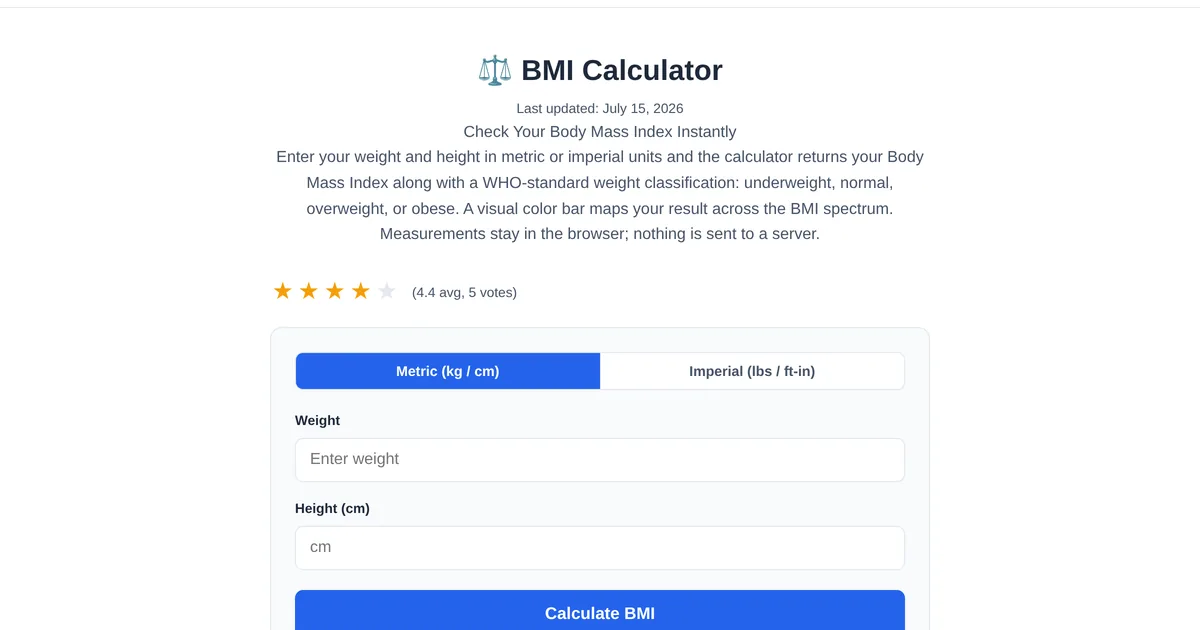
BMI — Body Mass Index — has been a standard health metric for decades. It is simple, free to calculate, and when used correctly alongside other measurements, it provides a useful baseline for understanding your weight relative to your height. But BMI alone does not tell the whole story. Here is how to use it properly along with complementary tools that fill in the gaps.
How BMI is calculated
BMI is weight in kilograms divided by height in meters squared. The ToolStand BMI Calculator does the math instantly — just enter your height and weight, and you get your BMI number along with your weight category: underweight (below 18.5), normal weight (18.5-24.9), overweight (25-29.9), or obese (30+). No health data is stored, and the calculation happens entirely in your browser.
What BMI tells you and what it does not
BMI is a population-level screening tool, not a diagnostic one. It does not distinguish between muscle and fat. An athlete with low body fat can register as overweight because muscle weighs more than fat. Similarly, someone with a normal BMI might have a high body fat percentage — a condition called normal-weight obesity. Use BMI as a starting point, not a final verdict.
Adding body fat percentage for accuracy
The Body Fat Calculator uses the US Navy method, which factors in neck, waist, and hip measurements along with height and gender. This gives you a body fat percentage that is more meaningful than BMI alone. For men, 10-20 percent body fat is generally healthy; for women, 18-28 percent. Combine your BMI with your body fat percentage, and you get a much clearer picture.
Connecting the dots with calorie tracking
Once you know where you stand, the Calorie and TDEE Calculator helps you figure out what to do about it. It uses the Mifflin-St Jeor formula to calculate your BMR, then multiplies by your activity level to give your TDEE. Eat below TDEE to lose weight, at TDEE to maintain, or above to gain. The tool also provides macro breakdowns.
A practical health tracking workflow
Step 1: Calculate your BMI to see which weight category you fall into. Step 2: Measure your body fat percentage for a more accurate composition estimate. Step 3: Use the TDEE calculator to find your daily calorie target. Step 4: Track progress weekly, not daily — body weight fluctuates with water retention, and weekly averages show the real trend.
Explore the full collection of free tools at toolstand.io. Free, forever. No sign-up. No download. Just tools that work.
Further reading: WHO — Obesity and Overweight Fact Sheet