How to Measure Sound Levels with a Decibel Meter
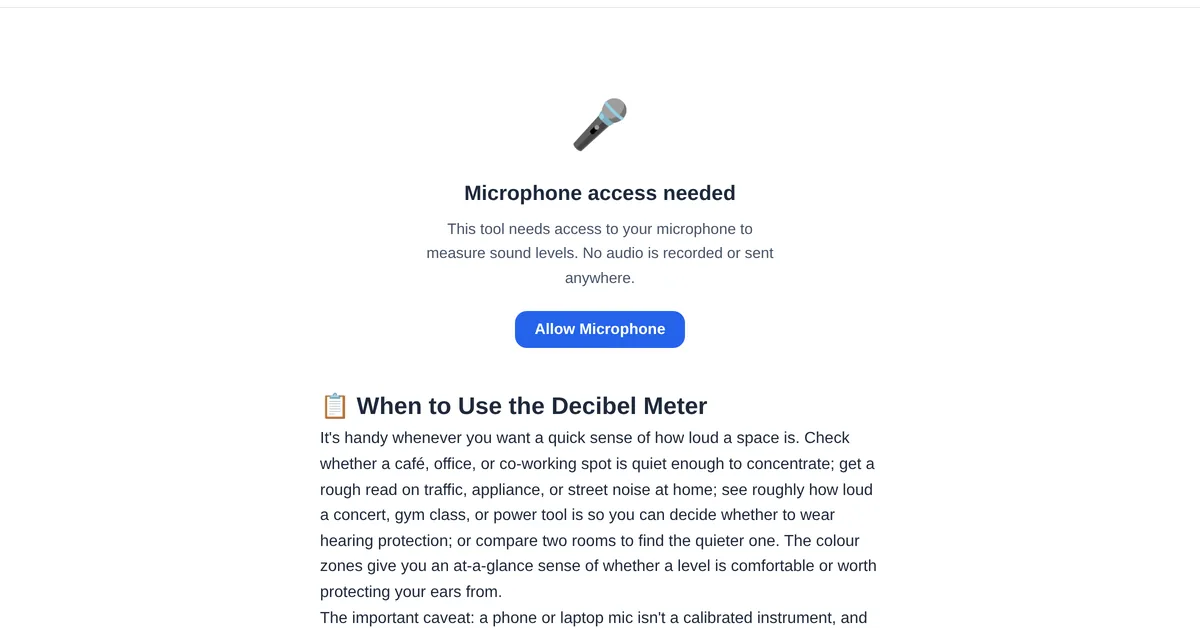
Noise is invisible, but its effects are real. Whether you are a teacher managing classroom volume, an event organizer ensuring comfortable sound levels, or a parent wondering if that toy is dangerously loud, a decibel meter gives you objective data instead of guesswork. Thanks to modern browser APIs, you can get accurate readings without installing anything.
How a phone-based decibel meter works
Every smartphone has a microphone capable of capturing sound pressure levels. A decibel meter uses the Web Audio API to sample the microphone input, calculate the RMS of the audio signal, and convert it to decibels. While not as precise as a calibrated professional SPL meter, a well-implemented browser tool is accurate enough for practical use — typically within 3 dB of a dedicated device.
Understanding the decibel scale
Decibels use a logarithmic scale: every 10 dB increase represents a tenfold increase in sound intensity. A whisper is about 30 dB, normal conversation is 60 dB, a lawnmower runs at 90 dB, and a rock concert can hit 110-120 dB. Sustained exposure above 85 dB can cause permanent hearing damage. The ToolStand Decibel Meter displays real-time readings so you know exactly where you stand.
Practical use cases
Classroom management. Teachers can set a target decibel range and use the meter as a visual feedback tool. Students see the reading climb when they get too loud and self-regulate — no shouting required. Event compliance. Many cities have noise ordinances with specific decibel limits. Before your outdoor event, use the meter to check sound levels at the property line. Workplace safety. OSHA requires hearing protection when noise exceeds 85 dB over an 8-hour shift. A quick spot check tells you whether your workspace needs mitigation. Baby and pet safety. Some toys exceed 100 dB at close range — test them before handing them to children.
Tips for accurate readings
Hold the phone at arm length with the microphone pointed toward the sound source. Avoid covering the mic with your hand or case. For consistent comparisons, measure from the same distance each time — doubling the distance reduces the reading by about 6 dB. The ToolStand meter shows both the current level and a peak hold indicator.
Explore the full collection of free tools at toolstand.io. Free, forever. No sign-up. No download. Just tools that work.