How to Make Fair Decisions with a Decision Wheel
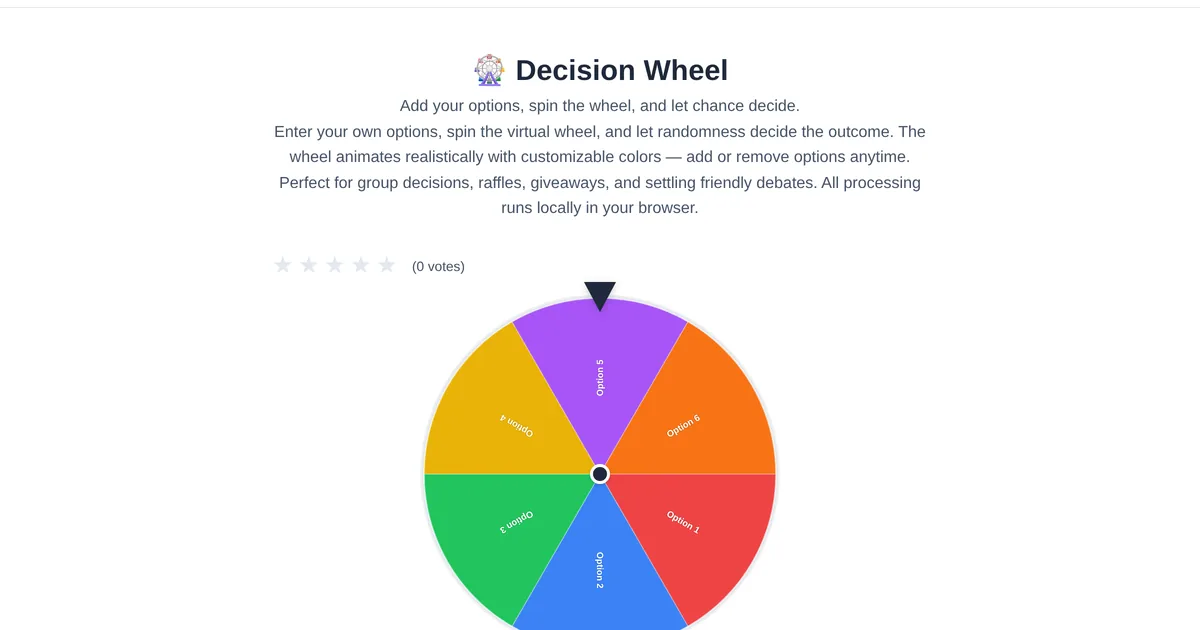
Decision fatigue is real. By the end of the day, your brain has made hundreds of micro-choices, and one more question like "what should we eat?" can trigger an argument. Enter the decision wheel — the simplest, fairest way to make choices when nobody wants to be the decider.
What a decision wheel does
A decision wheel is a visual randomizer. You add options — restaurant names, team members, task assignments — and spin. The wheel lands on a random selection, and that is your answer. The key insight: randomness removes bias, blame, and analysis paralysis. Nobody is responsible for the outcome, so nobody is upset by it.
Setting up your first spin
Open the ToolStand Decision Wheel and customize your options. The default wheel has sample entries, but you can add as many as you need — from 2 to over 50 items. Each option gets equal probability by default, so the spin is reasonably fair. The tool uses the browser Math.random function for pseudorandom selection, which is fast and good enough for everyday decisions.
Everyday use cases
Picking a restaurant. Add every option your group suggests. Spin once. Decision made. No more 20-minute decision loops. Assigning chores. Put tasks on the wheel and spin for each family member. The randomness makes it feel like a game instead of a punishment. Classroom participation. Teachers: add student names and spin to call on someone. It is visibly fair and eliminates accusations of favoritism. Giveaways and raffles. Add usernames and spin live on stream — the visual animation builds suspense that a random number generator cannot match.
When to use a decision wheel vs. a random number generator
A decision wheel shines when options have names — restaurants, people, activities. The visual spin adds drama and buy-in. A Random Number Generator works better for numeric ranges — dice rolls, lottery picks, or generating a number between 1 and 100. ToolStand offers both, so you can pick the right randomization tool for each situation.
Making decisions as a team
Share your screen during a video call and spin the wheel together. The shared experience builds camaraderie and prevents the resentment that comes when one person always makes the call. For remote teams, it is a lightweight ritual that makes small decisions feel collaborative.
Explore the full collection of free tools at toolstand.io. Free, forever. No sign-up. No download. Just tools that work.