How to Format and Validate JSON in Your Browser
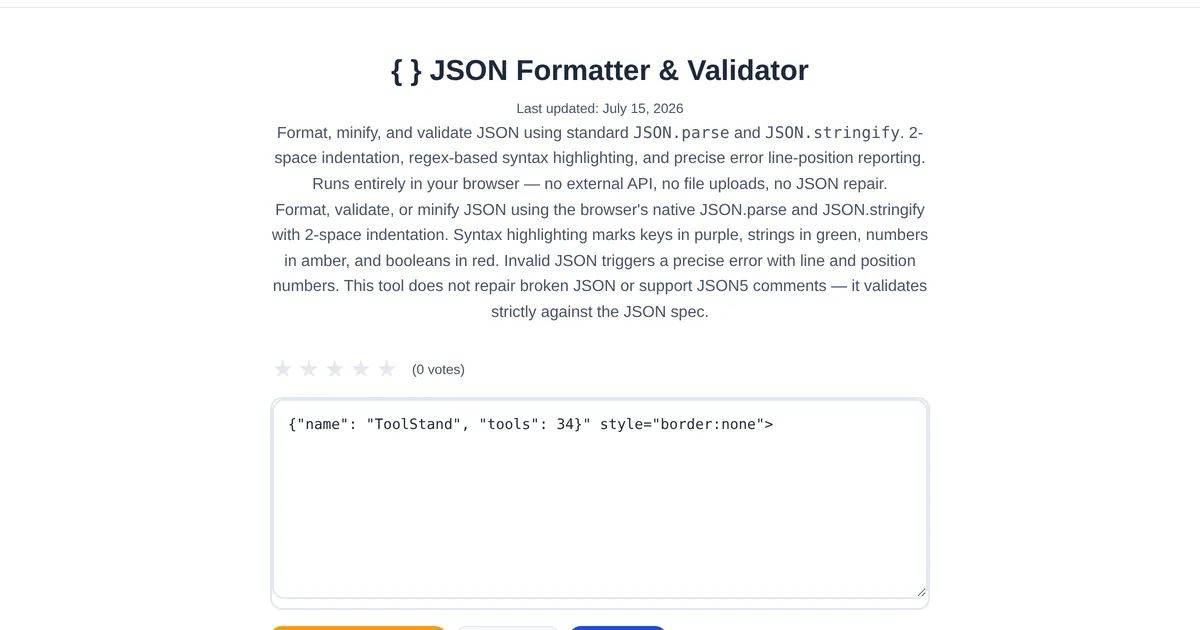
JSON is the lingua franca of the web — APIs speak it, config files use it, and databases store it. But a single missing comma or unescaped quote breaks everything, and raw minified JSON is unreadable. A JSON formatter makes your data readable and catches errors before they cause bugs.
Formatting: from minified to readable
Paste a minified JSON blob into the ToolStand JSON Formatter and Validator and click Format. The tool applies consistent indentation, optionally sorts keys alphabetically, and color-codes strings, numbers, booleans, and nulls. The result is instantly readable — you can scan a 500-line API response and find the field you need in seconds.
Validation: catching errors with precision
When JSON is invalid, the validator pinpoints the exact line and column of the error. It tells you what went wrong — missing comma, trailing comma, unclosed bracket, unquoted key — instead of just saying "invalid JSON." This line-level error detection saves the 10 minutes you would otherwise spend scanning character by character.
Minification for production
The reverse operation is equally important. The JSON Minifier strips all whitespace, reducing file size for production deployments. It shows a before-and-after size comparison — a 50KB formatted JSON might compress to 35KB minified, saving bandwidth on every API call.
Converting between formats
ToolStand JSON toolchain goes further: JSON Schema Generator auto-detects types and generates validation schemas. JSON Compare diffs two JSON objects semantically. CSV to JSON Converter converts spreadsheet data. XML to JSON Converter handles bidirectional conversion. Together, these form a complete JSON workflow.
Explore the full collection of free tools at toolstand.io. Free, forever. No sign-up. No download. Just tools that work.