How to Use a Scientific Calculator Online for Math and Science
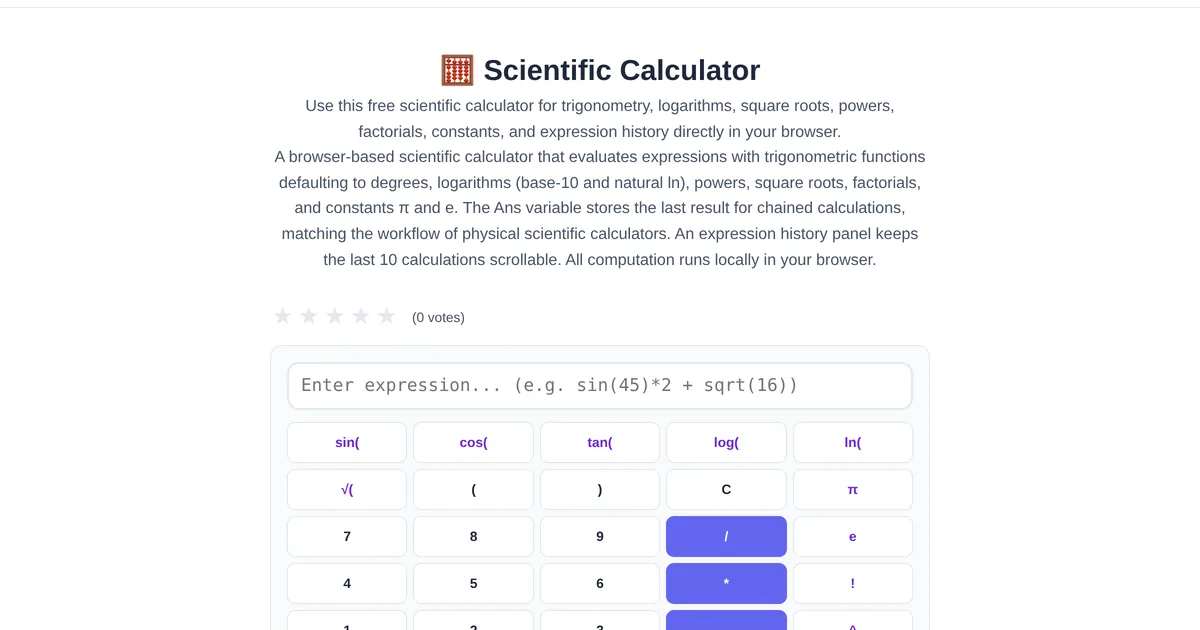
Sometimes your phone calculator is not enough. When you need sine, cosine, logarithms, square roots, or powers, a scientific calculator is the right tool. An online scientific calculator gives you these functions without carrying a separate device or installing yet another app.
Supported operations
The ToolStand Scientific Calculator handles: basic arithmetic (addition, subtraction, multiplication, division), trigonometric functions (sin, cos, tan and their inverses in degrees or radians), logarithms (natural log ln and base-10 log), exponentiation (x^y and x^2), square roots and nth roots, constants (pi and e), and parentheses for grouping. Enter expressions as you would write them — the calculator respects order of operations.
Expression history
The calculator maintains a history of your calculations. Click any previous expression to reload it, edit a value, and recalculate. This is especially useful for iterative calculations where you tweak one variable — no need to retype the entire expression. Clear history when done to keep the workspace clean.
For students and professionals
Students can use the scientific calculator for homework and exams (where permitted). Engineers can quickly compute trigonometric values for design work. Data analysts can calculate logarithms for data transformations. For graphing functions, pair it with the Function Graph Plotter, which visualizes mathematical functions with interactive charts.
Explore the full collection of free tools at toolstand.io. Free, forever. No sign-up. No download. Just tools that work.